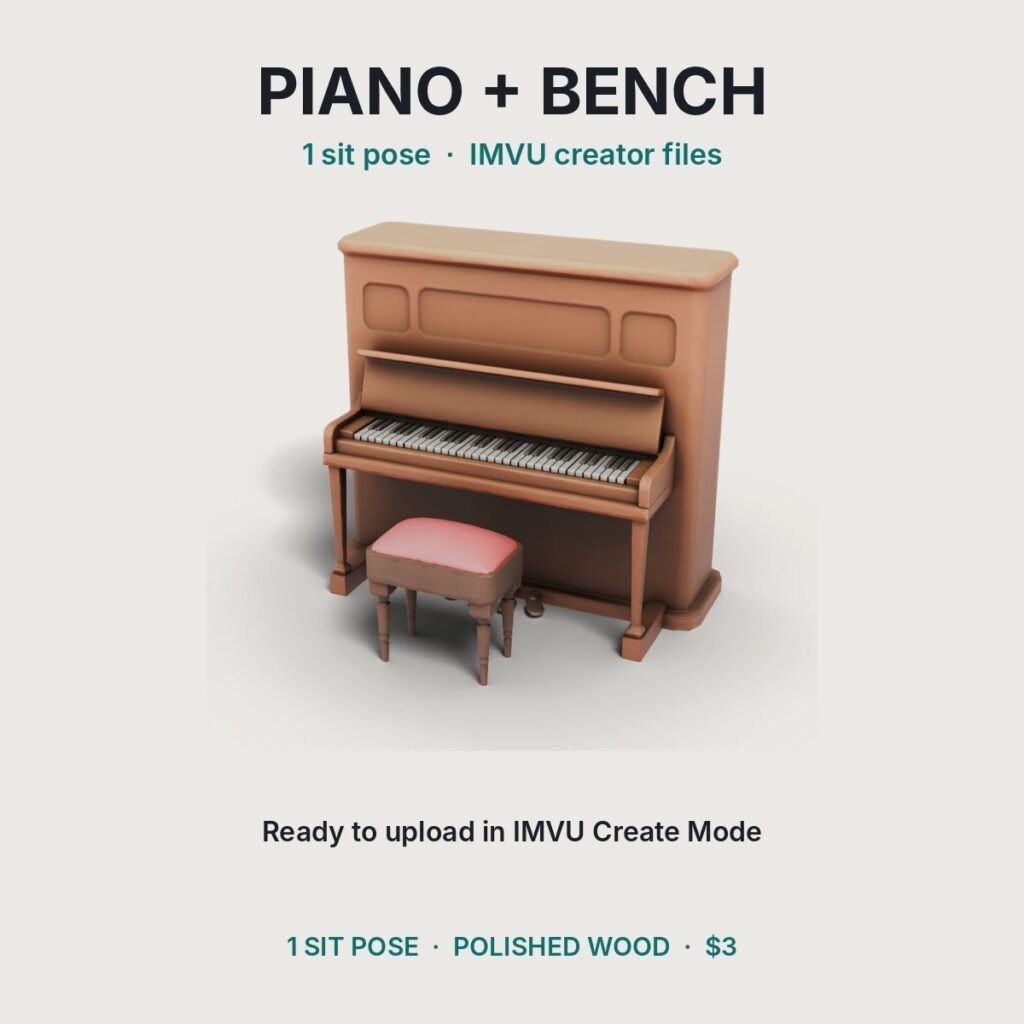
by IMVU Only File #633
- 1sit pose
- 4,000triangles
🎁 Bundle deal: any 2 $3 files for $5, any 3 for $7
Also in the Lounge & Bar Pack ($10).
📘 How to upload this file to IMVU, step by step.
✅ Official IMVU Only file, made and tested by us. Buy it here or in our Etsy shop. Copies sold anywhere else are stolen.
- TypePiano mesh with 1 sit node, tested in IMVU
- Trianglesabout 4,000
- Materials1
- Textures1024 px PNG, baked shading
- Files.xmf, .xsf, .xaf, .xrf, .png + guide
- LicenseOne shop CID
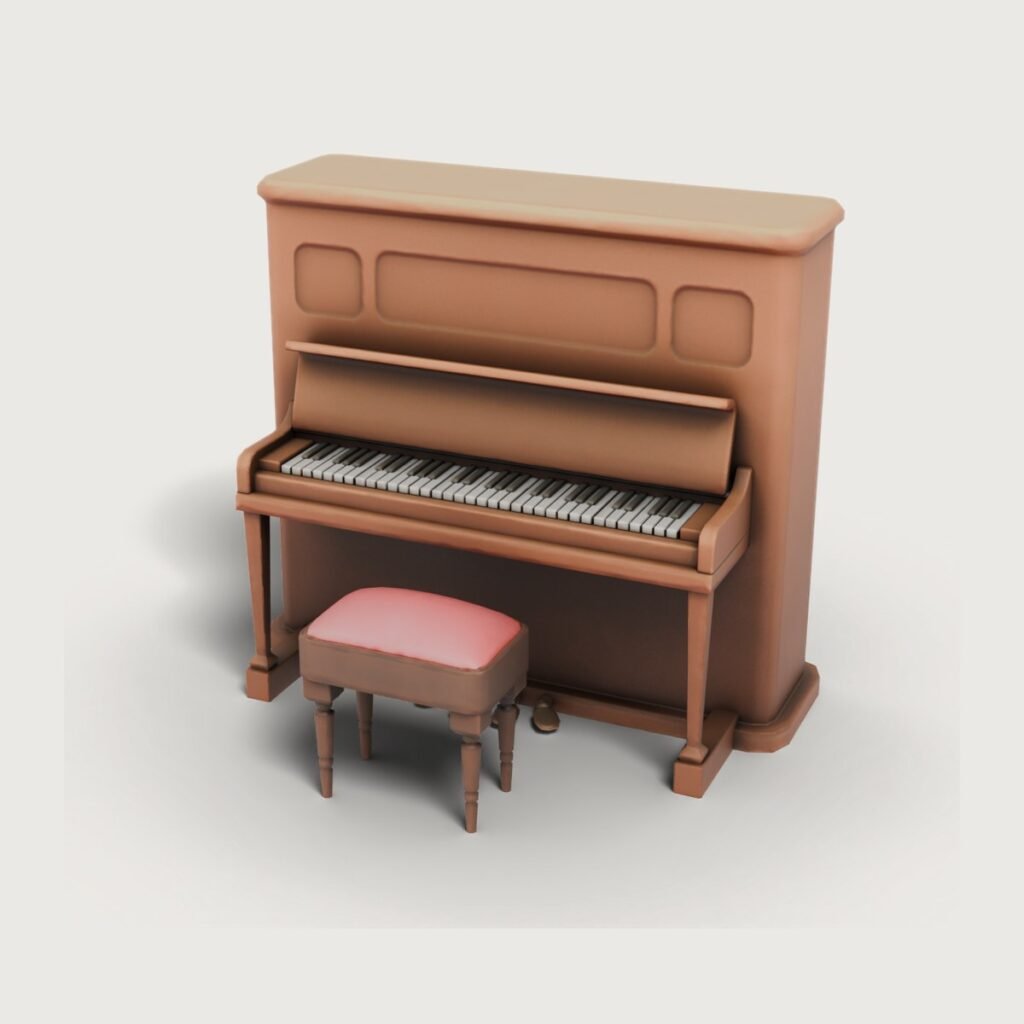
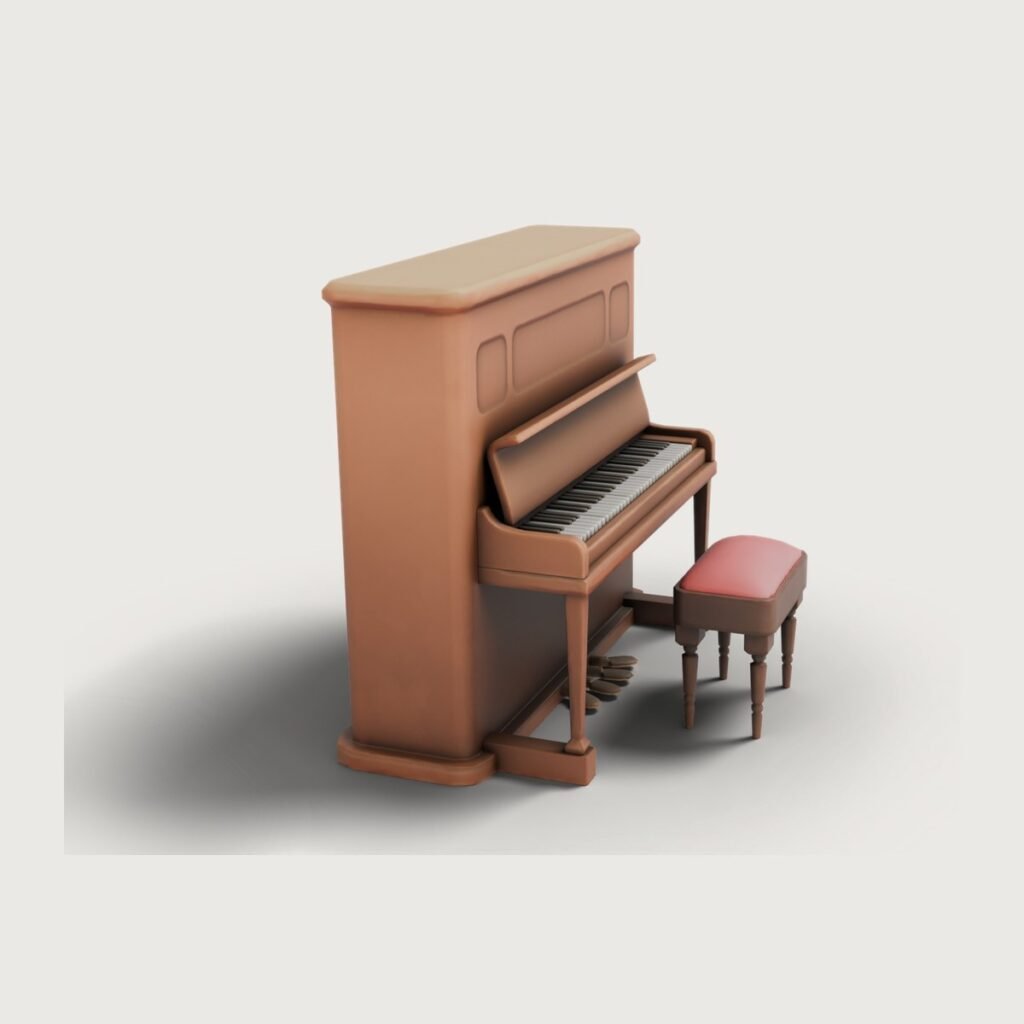
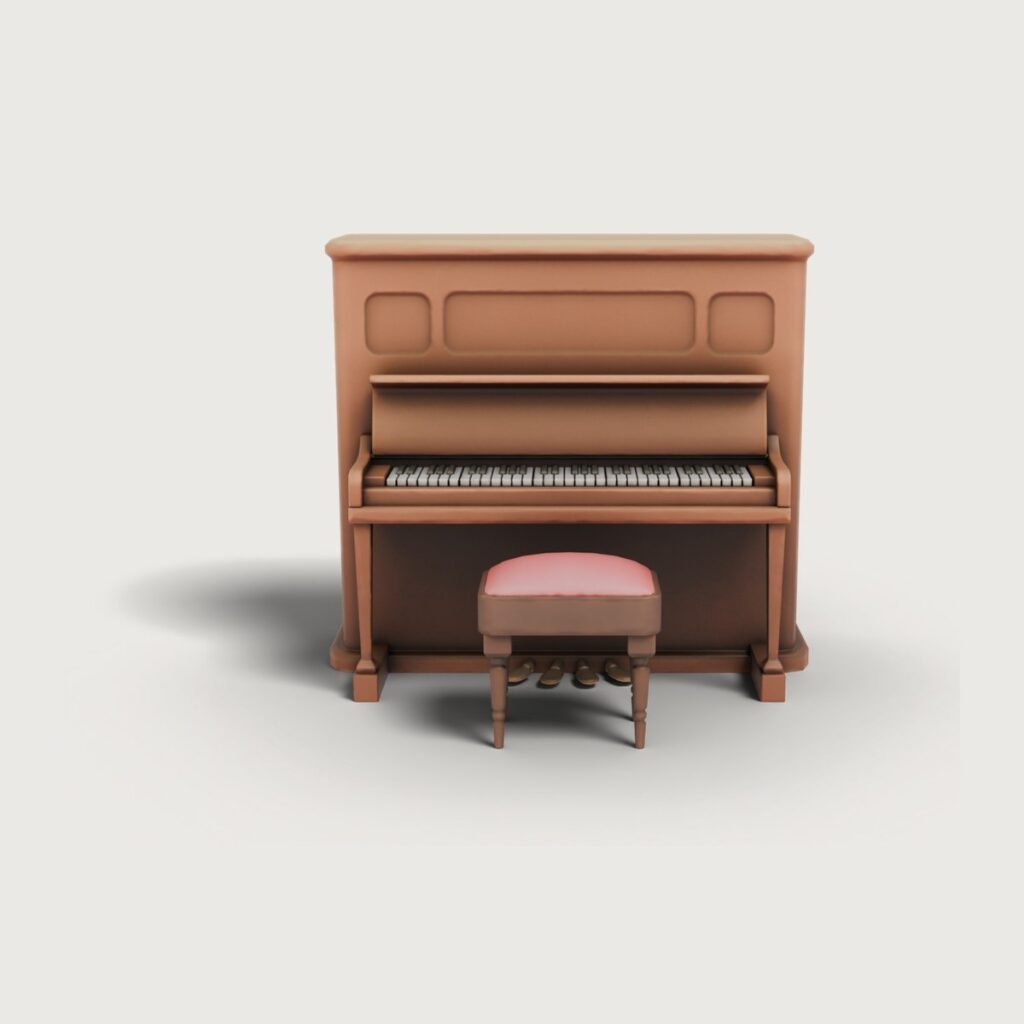
A vintage upright piano your avatar can sit and play at. A vintage upright piano with a matching bench. The avatar sits on the bench facing the keys.
Why creators like it
- Sit pose included. 1 sit node, placed and tested in IMVU.
- Real polished wood look. Baked 1024 px textures with soft studio shading, so it looks good in any room light.
- Fits the scene. Lounges, jazz bars, music rooms, mansions, cafes and living rooms.
- Ready to upload. Mesh, skeleton, idle action and textures, plus a step-by-step guide.
What’s in the download
- Mesh (.xmf), skeleton with 1 sit node (.xsf) and idle animation (.xaf)
- 1 material file (.xrf) and textures
- Baked 1024 px texture for the polished wood
- Upload guide, credit line and preview renders
How to use it
- In IMVU Create Mode, derive a new furniture product from a furniture base item.
- Load the skeleton (.xsf) in Config and the mesh (.xmf) in Mesh.
- Put each texture on the material with the same number. Material 00 uses 00_piano.png.
- Add the idle animation, sit-test in Preview and submit.
About these IMVU creator files
These IMVU creator files give you a derivable piano mesh for IMVU Create Mode: XMF mesh, XSF skeleton with 1 sit node, idle action, material files and baked textures. Sell it as your own IMVU furniture, add it to a room pack, or use it to furnish an IMVU room. You can check the files and sit nodes in our free IMVU Creator Studio.
FAQ
Which IMVU product do I derive from?
Derive from an IMVU furniture base product. The README in the zip and our upload guide show every step in Create Mode.
Can I sell products made from this file?
Yes. Upload it to your own IMVU shop and sell the products you make from it, on the one shop account (CID) you buy for. You may not resell or share the raw files.
Is there a derive fee?
IMVU shows the exact derive fee in the submission window before you submit. We do not add any fee on top.
Do I need Blender or 3D skills?
No. The files are ready for IMVU Create Mode. You only add the mesh and texture files and pick a price.
How do I get the files after paying?
You get a secure payment link by email, and your download link arrives right after payment.
Credit
"Piano – Week 6" by Batuhan13 (Sketchfab), CC BY 4.0. Converted for IMVU; geometry unchanged. If you publish a product made from this file, keep this credit line in your product description.
Files are licensed to one IMVU shop (CID). See the license and FAQ.
You may also like
Shop