Turn a ready glasses file into your own IMVU product, starting from product 682. About 10 minutes, no Blender. We use the Gold Cat-Eye Sunglasses; every glasses file in our shop works the same way.
Step by step
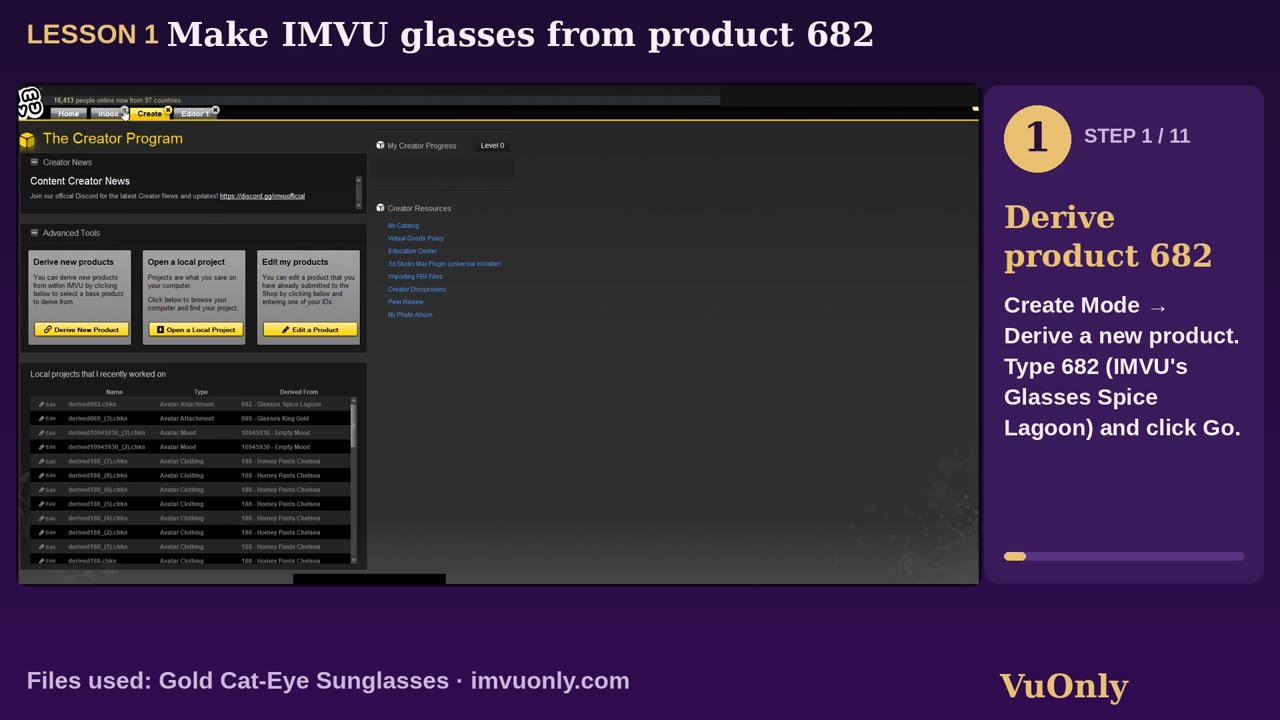
1Derive product 682
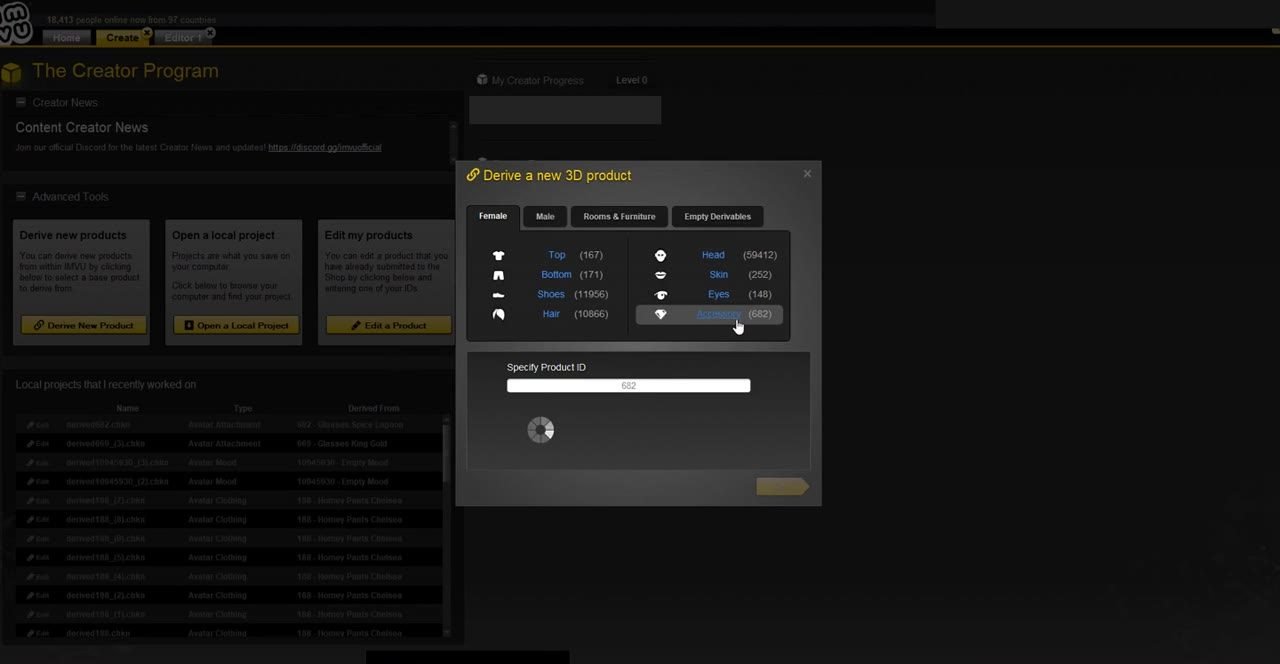
In Create Mode click Derive New Product, type 682 under Specify Product ID and click Go.
2Product 682 opens
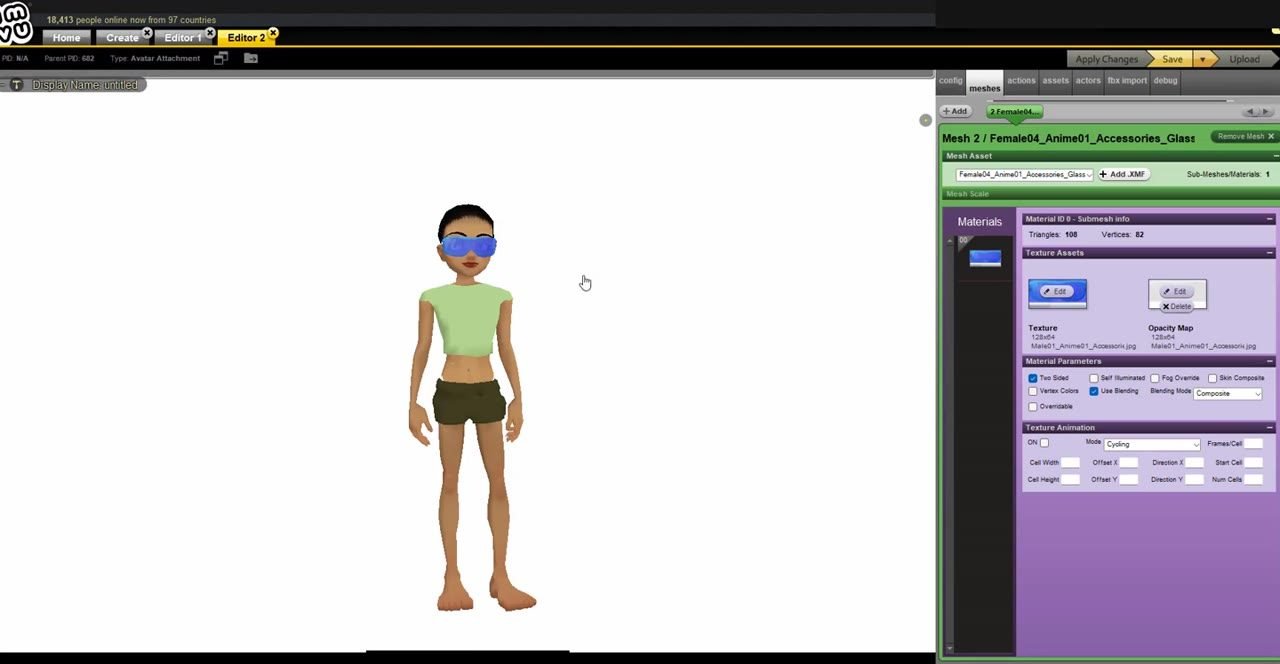
The editor opens with IMVU’s default glasses on your avatar. Open the meshes tab.
3Load the new mesh
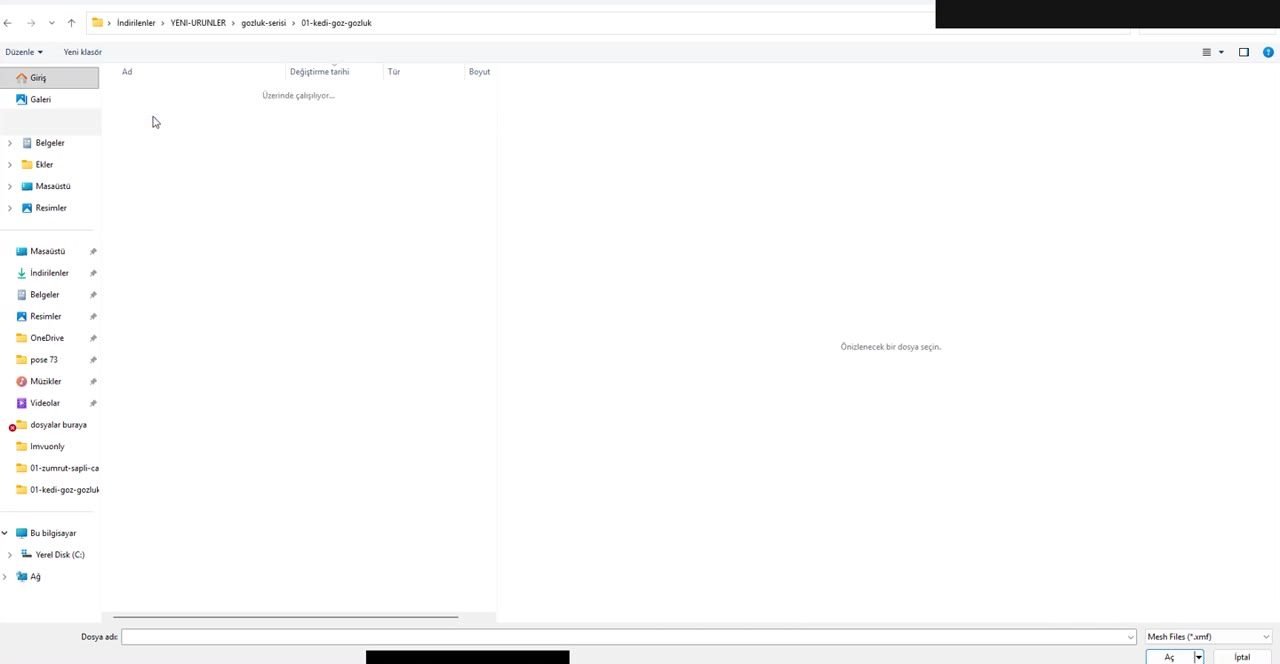
Click Add XMF and pick the .xmf file from the zip.
4The new glasses are on
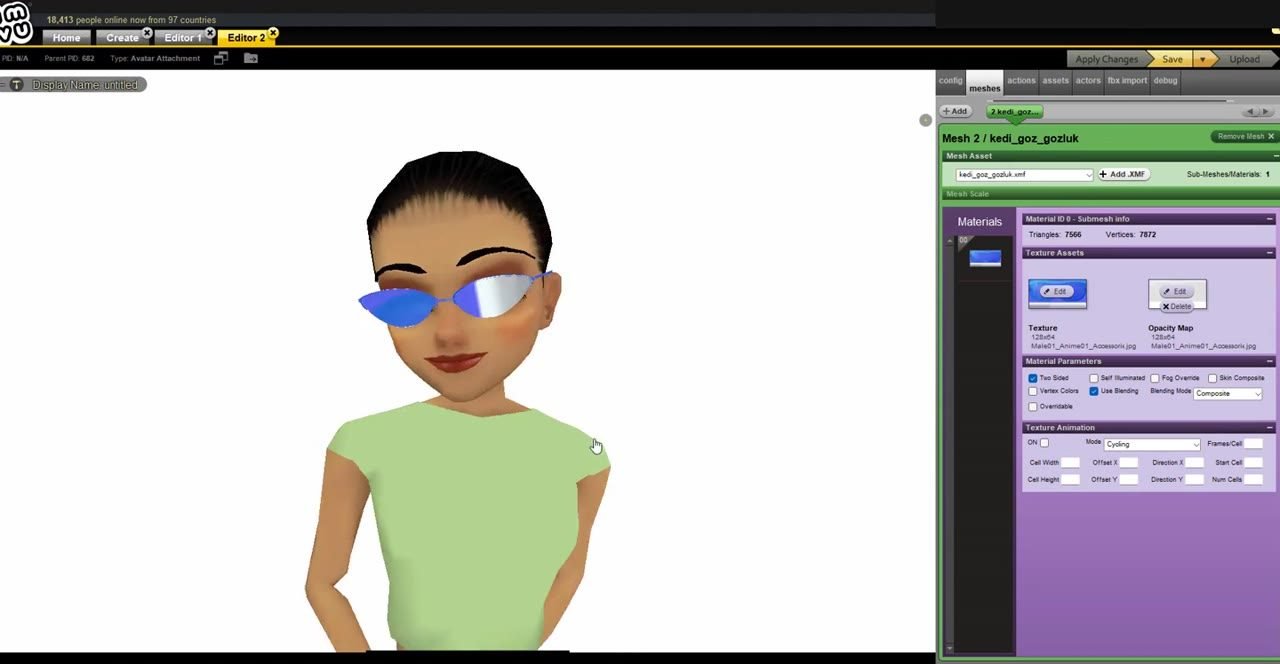
The new frame replaces IMVU’s glasses on your avatar. The texture comes next.
5Add the texture
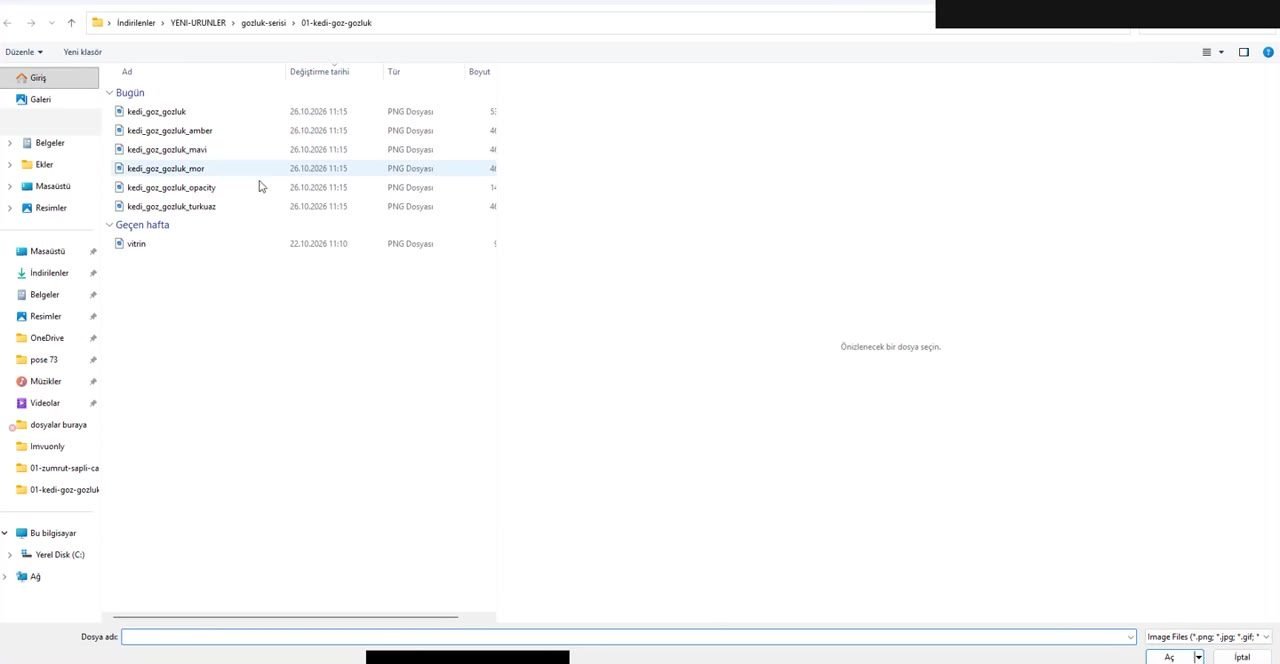
Under Texture Assets click Edit on Texture and pick a colour .png. For see-through lenses put the _opacity.png in the Opacity Map slot.
6Check every side, then Apply Changes
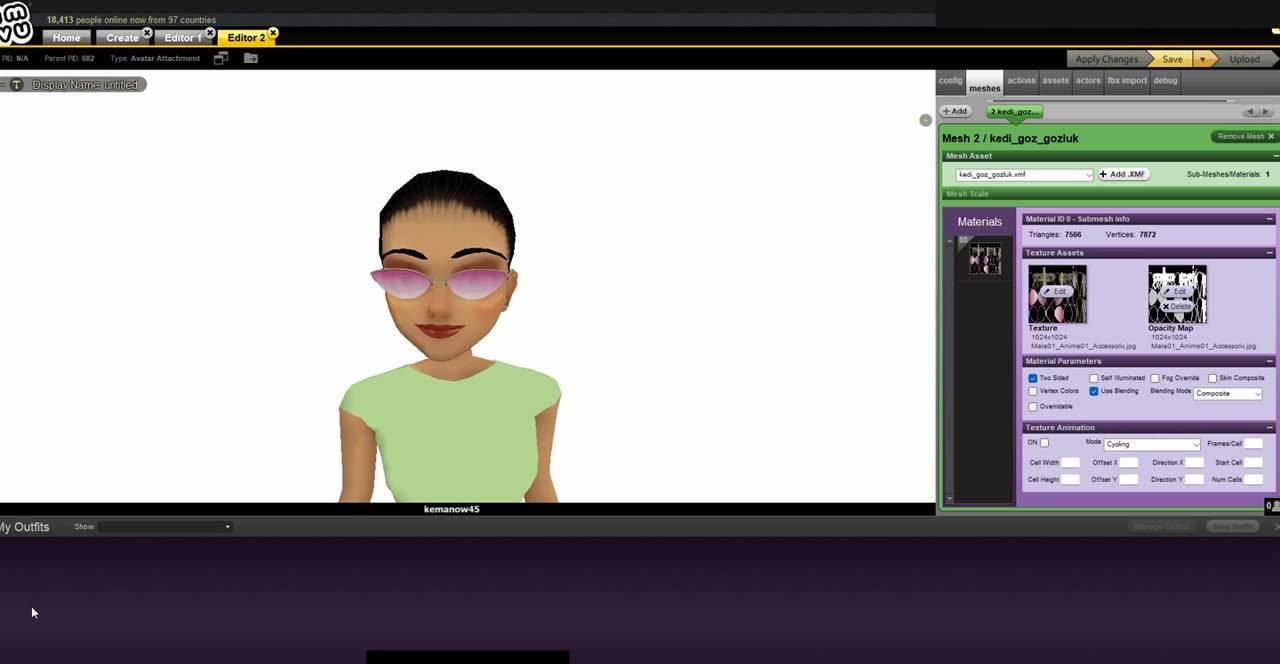
Rotate the camera and look from the front and the sides. Then click Apply Changes.
7Try it on your avatar
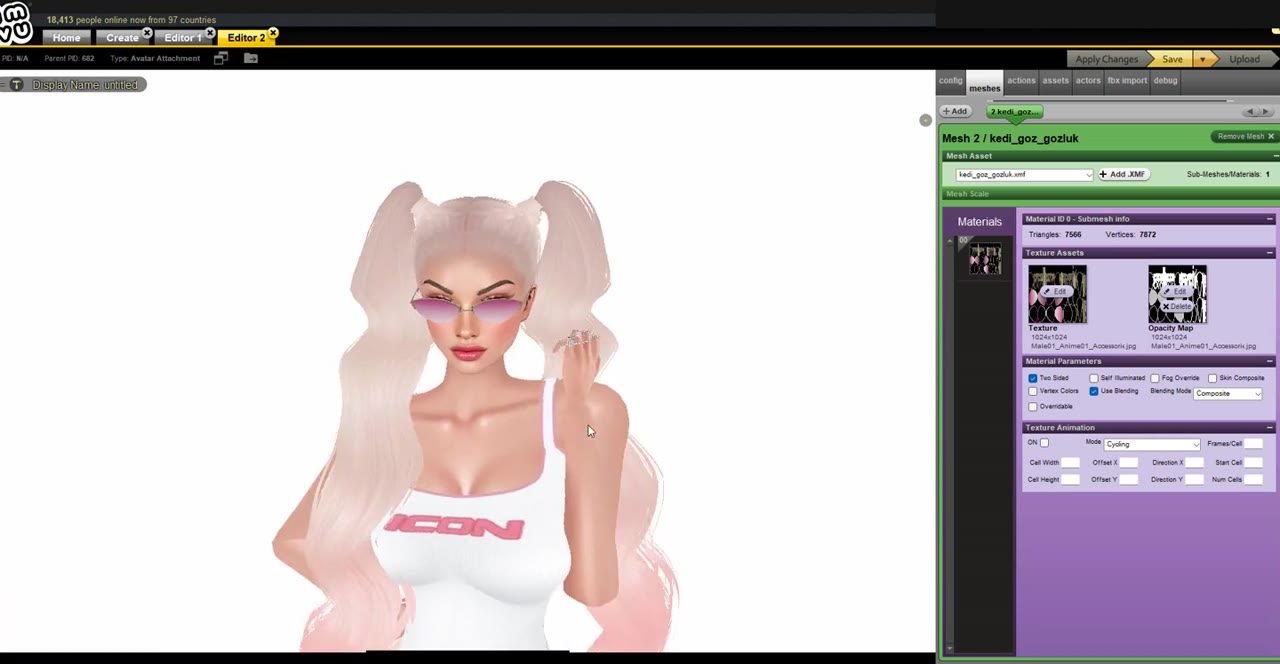
Wear the glasses with your own look and check the fit.
8Another colour
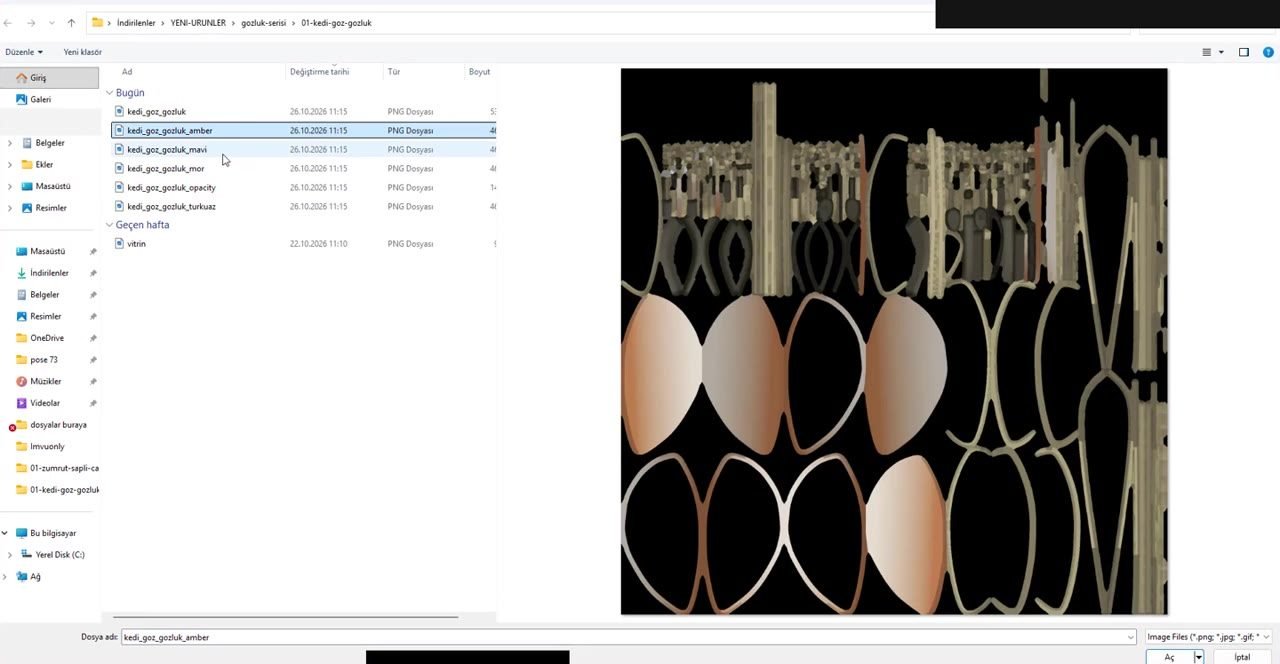
Swap the texture for another colour .png. Every colour can be its own product.
9Save and Upload
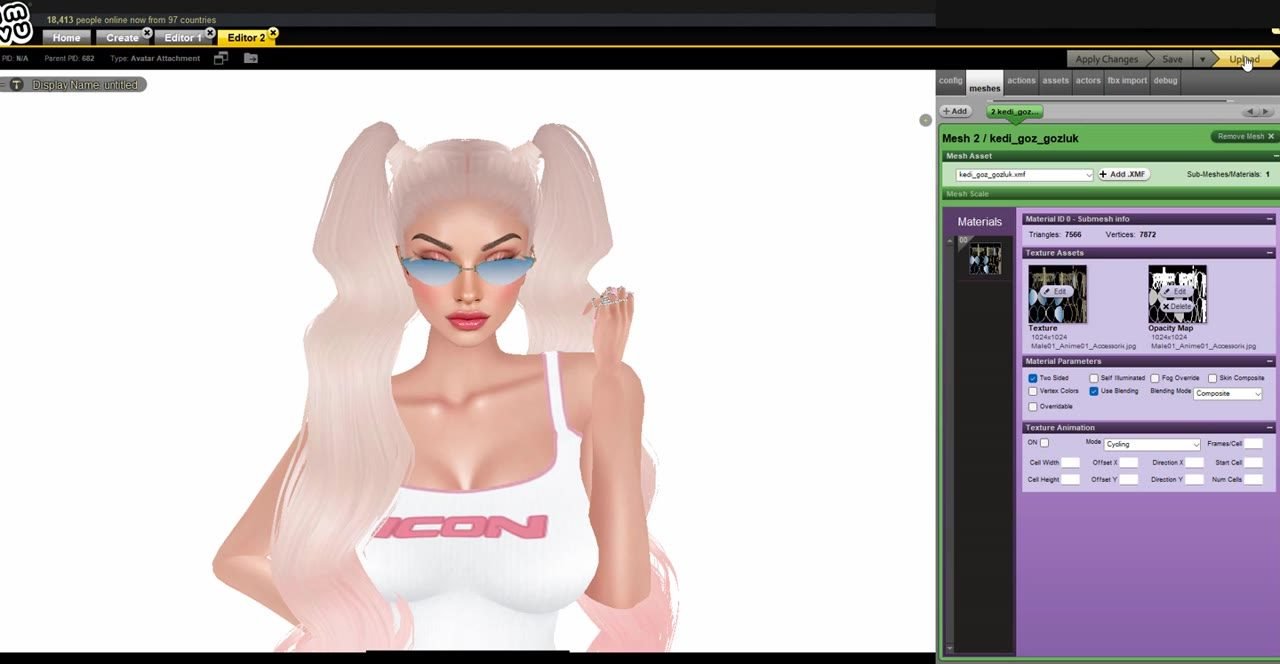
Click Save, then Upload.
10Product Submission
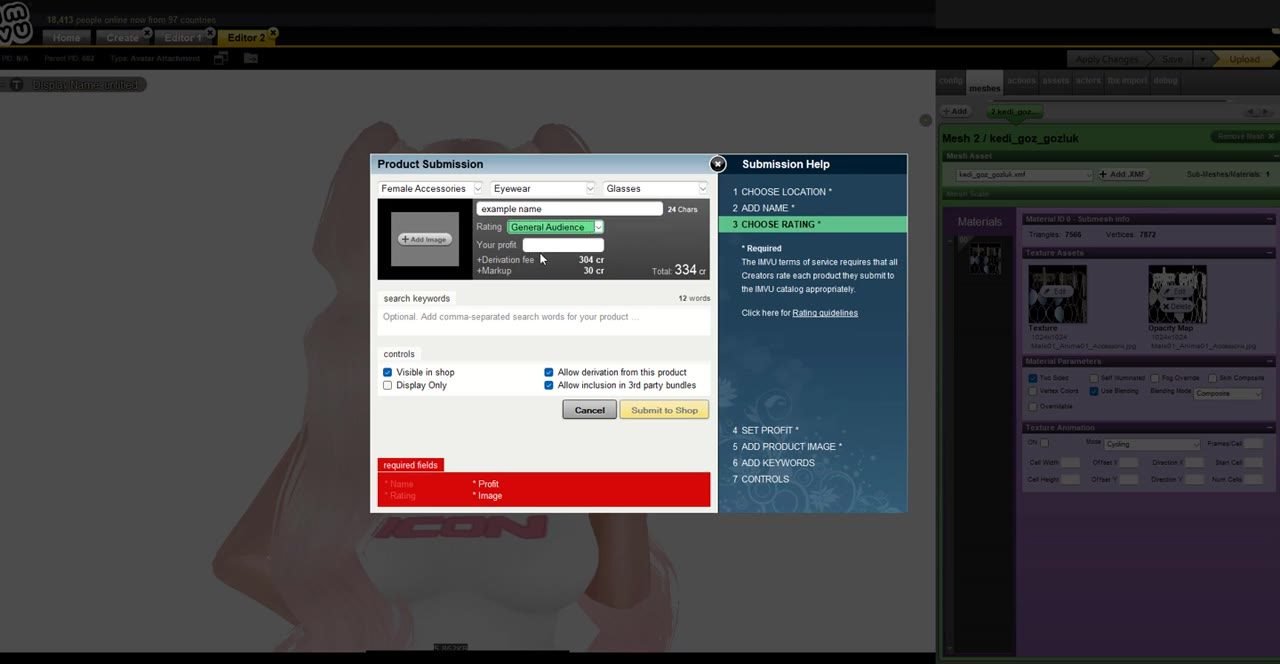
Choose Female Accessories › Eyewear › Glasses, add a name, a rating and your profit. The derivation fee is shown here.
11Keywords and Submit
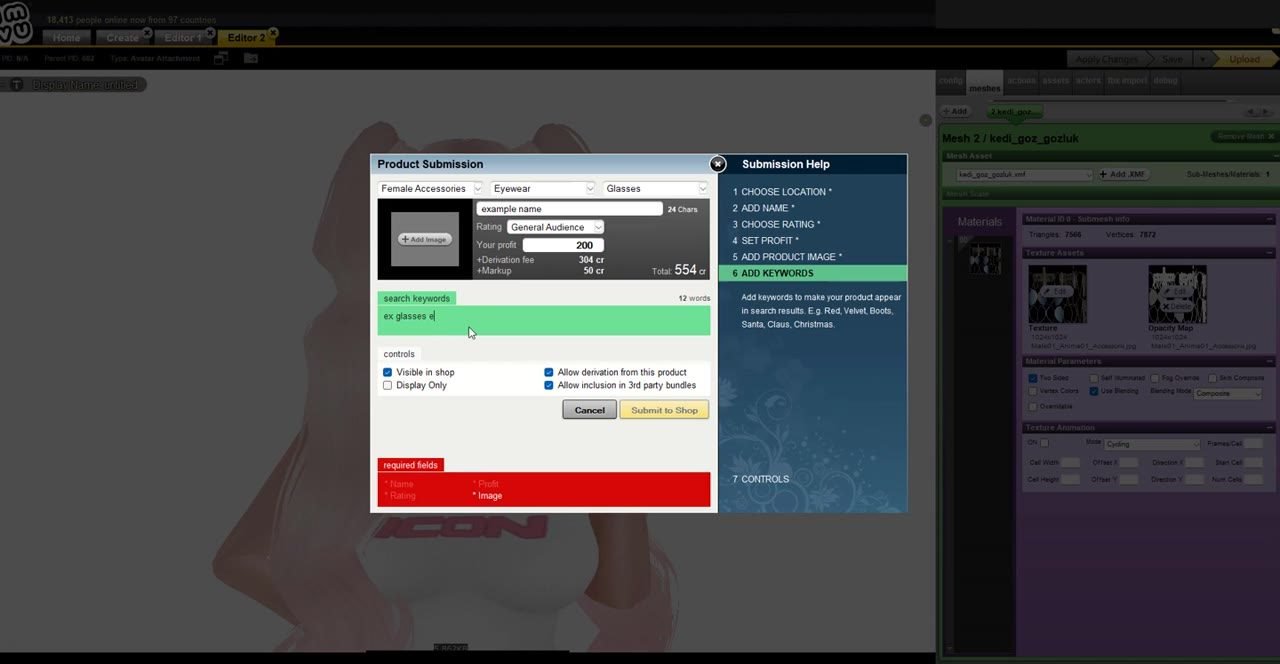
Add search keywords (glasses, sunglasses, cat eye), add a product image and click Submit to Shop. Paste the credit line from LICENSE.txt into the description.
Next: Lesson 2: Make an IMVU handbag
🎓 Unlock all lessons
Creator Academy opens every video lesson, a new lesson each month and the lesson chat in Discord.
- ✅ Lesson 1: Glasses from product 682 (free)
- 🔒 Lesson 2: Handbag from product 56816049 (Academy)
- ✅ Lesson 3: Derive & Earn (free)
- ✅ Lesson 4: Earrings from product 682 (free)