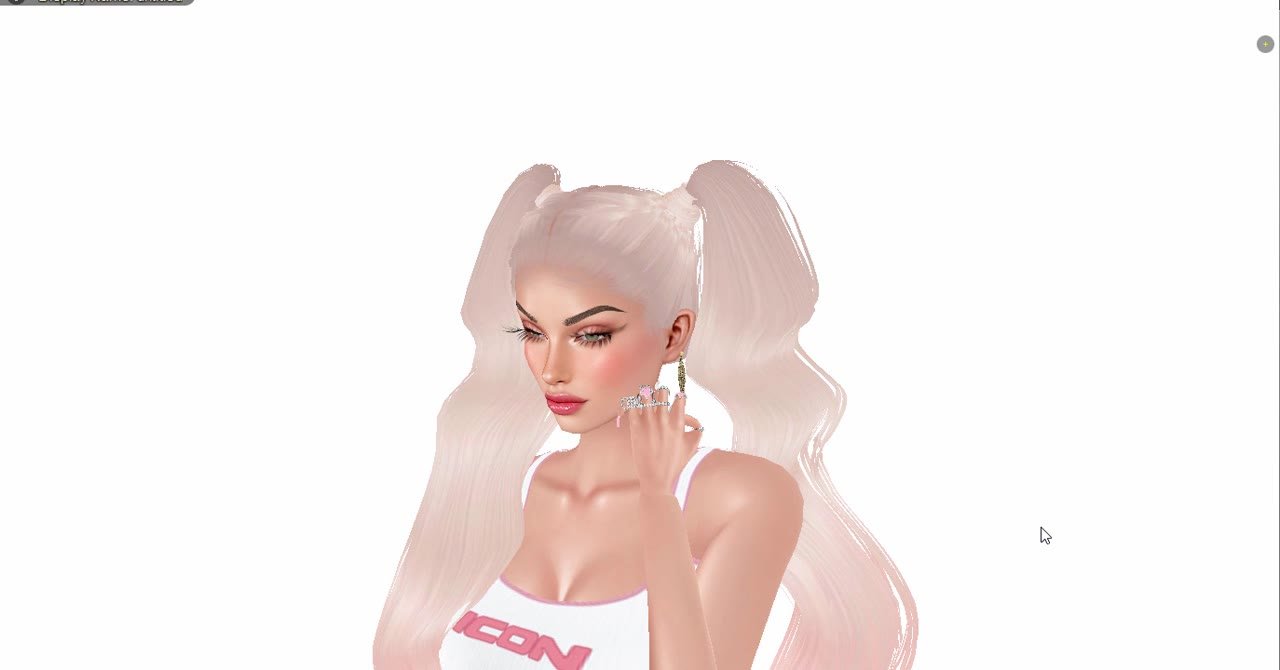
Make your own IMVU earrings from a ready file, starting from product 682, the same base as our glasses lesson. About 5 minutes, no Blender. We use the Gold Leaf Drop Earrings; the Gold Star Hoop Earrings and every earring file in our shop upload the same way.
Step by step
1Derive product 682
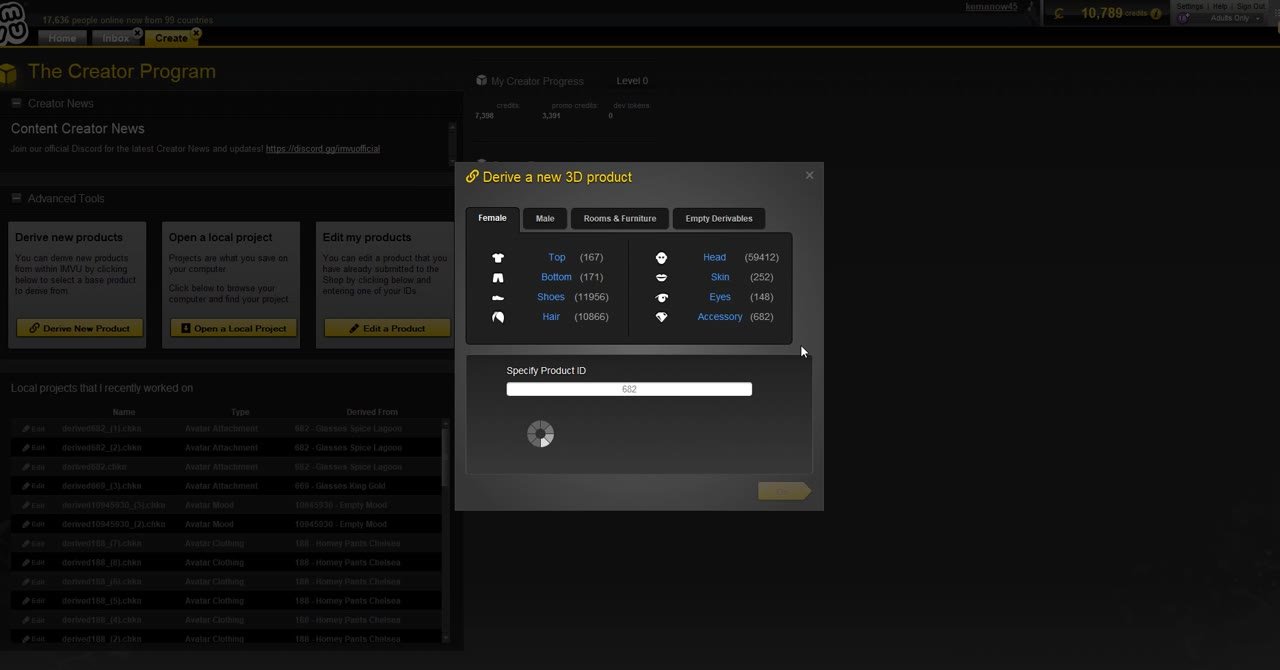
In Create Mode click Derive New Product. Product 682 is listed under Accessory. Type 682 under Specify Product ID and click Go.
2Product 682 opens
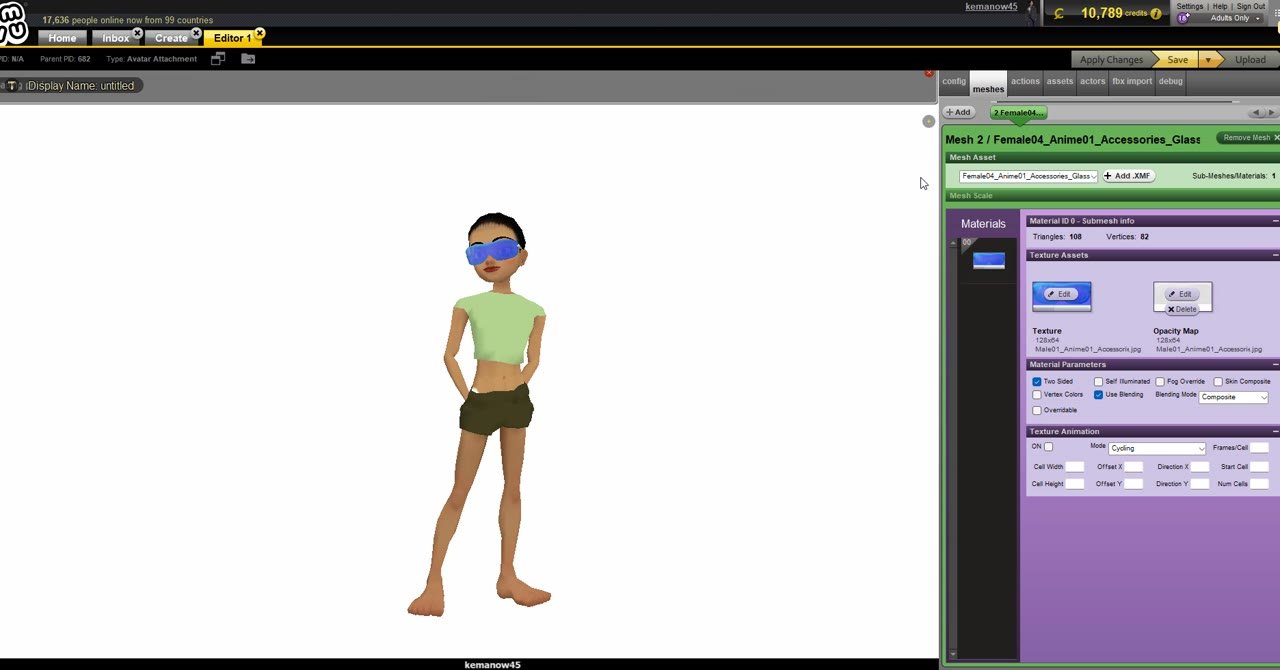
The editor opens with IMVU’s default glasses on the avatar. Earrings use the same head attachment, so the glasses are the right base. Open the meshes tab.
3Load the earring mesh
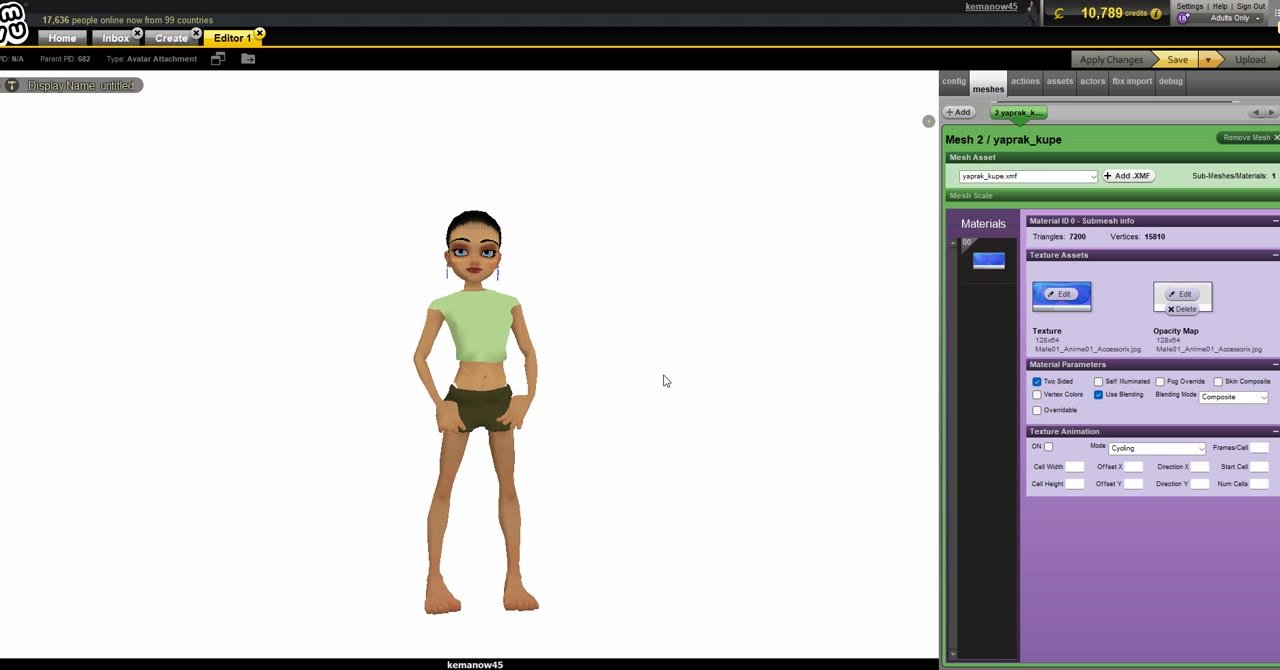
Click Add XMF and pick the earring .xmf from the zip, for example yaprak_kupe.xmf. The glasses disappear and small earrings appear on both ears.
4Add the texture
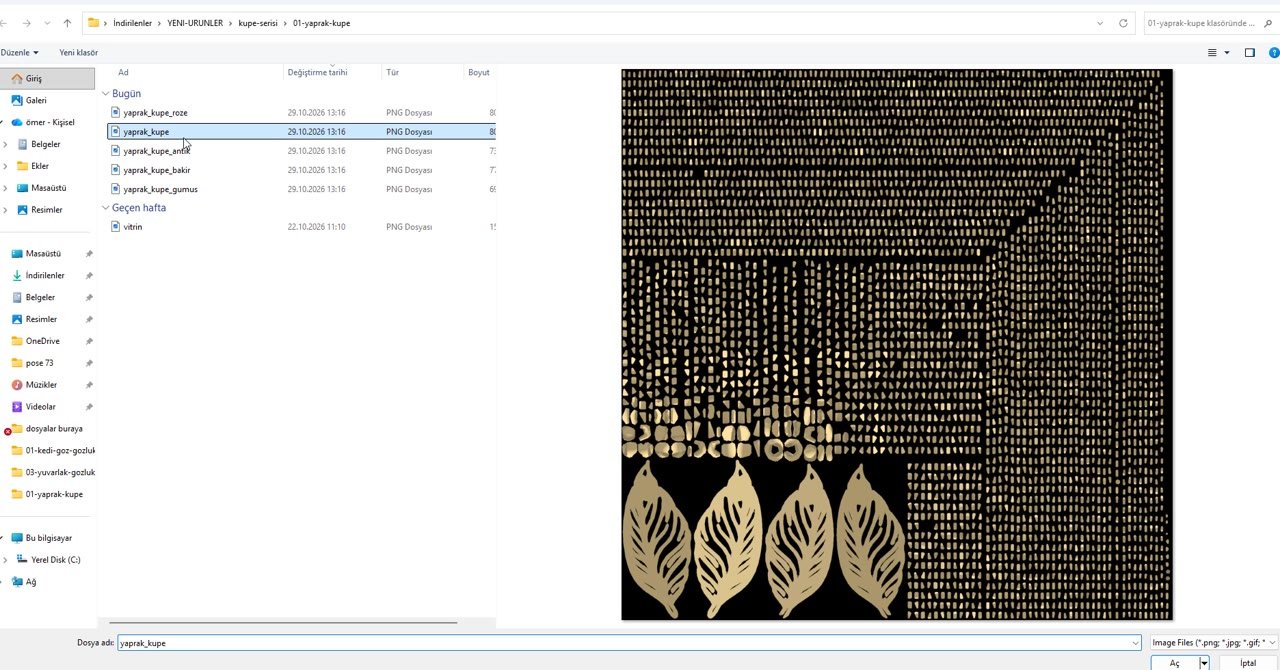
In Materials, click Edit on Texture for material 0 and pick a colour .png: gold, silver, rose gold, copper or antique.
5Check the earlobe from every side
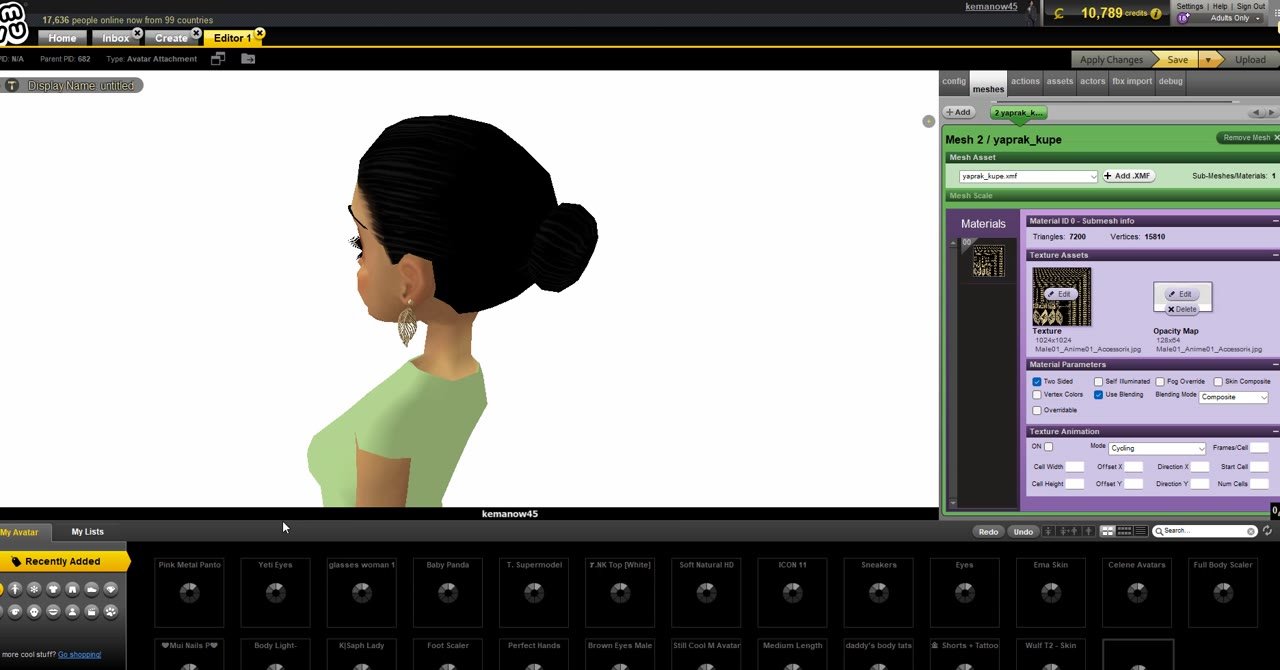
Zoom in and rotate the camera around the head. The earring should hang from the earlobe, not sit inside the hair or behind the ear.
6Apply Changes and try it on
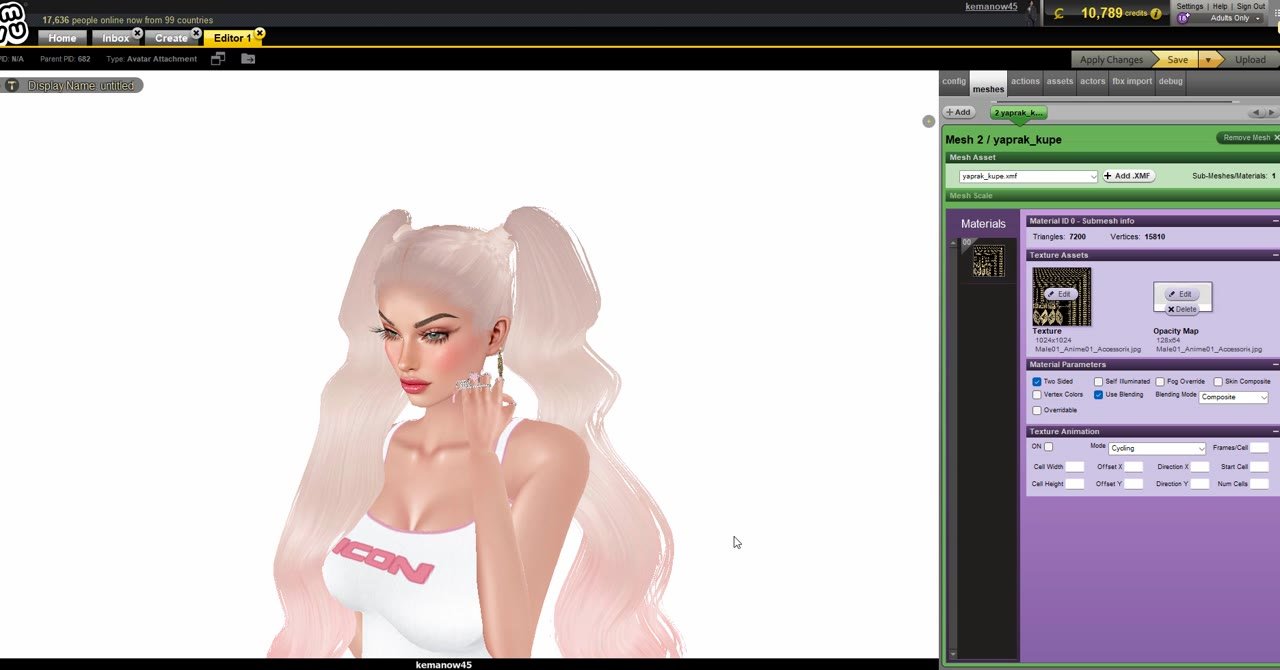
Click Apply Changes, then put on your own look. Try it with long hair and short hair, and with a hand pose near the face.
7Save, Upload, name and rating
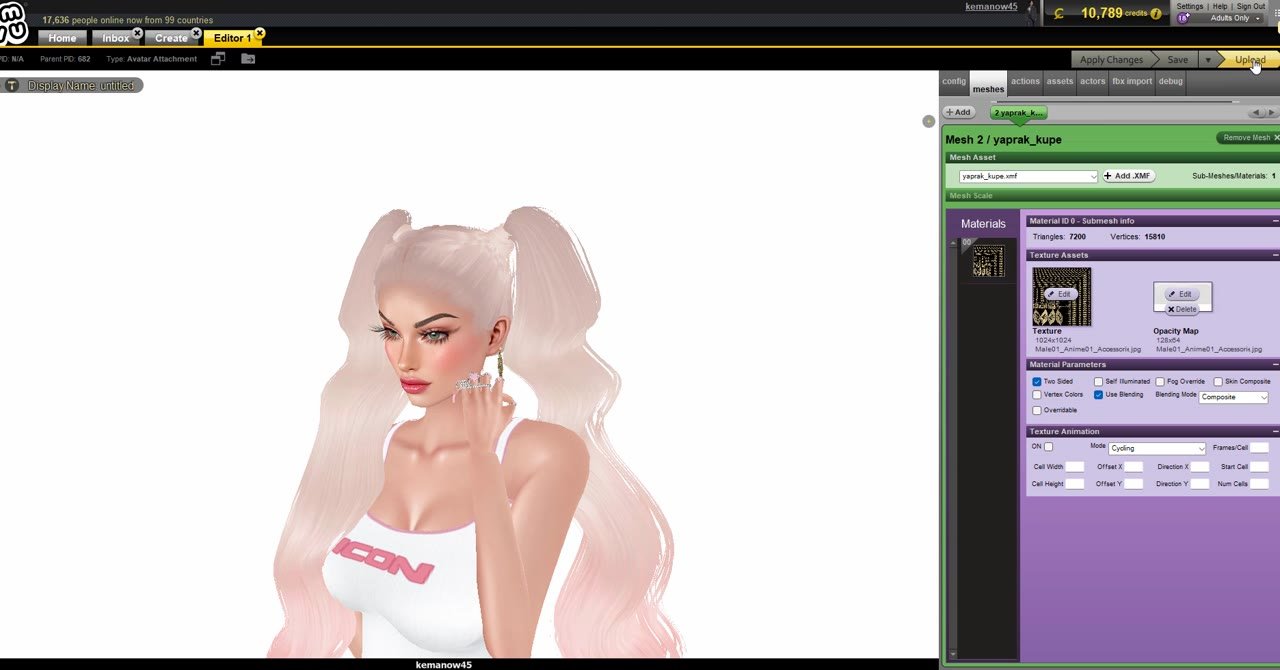
Click Save, then Upload. In Product Submission choose the Female Accessories location, type a clear name like Gold Leaf Drop Earrings and pick a rating.
8Profit, keywords and Submit
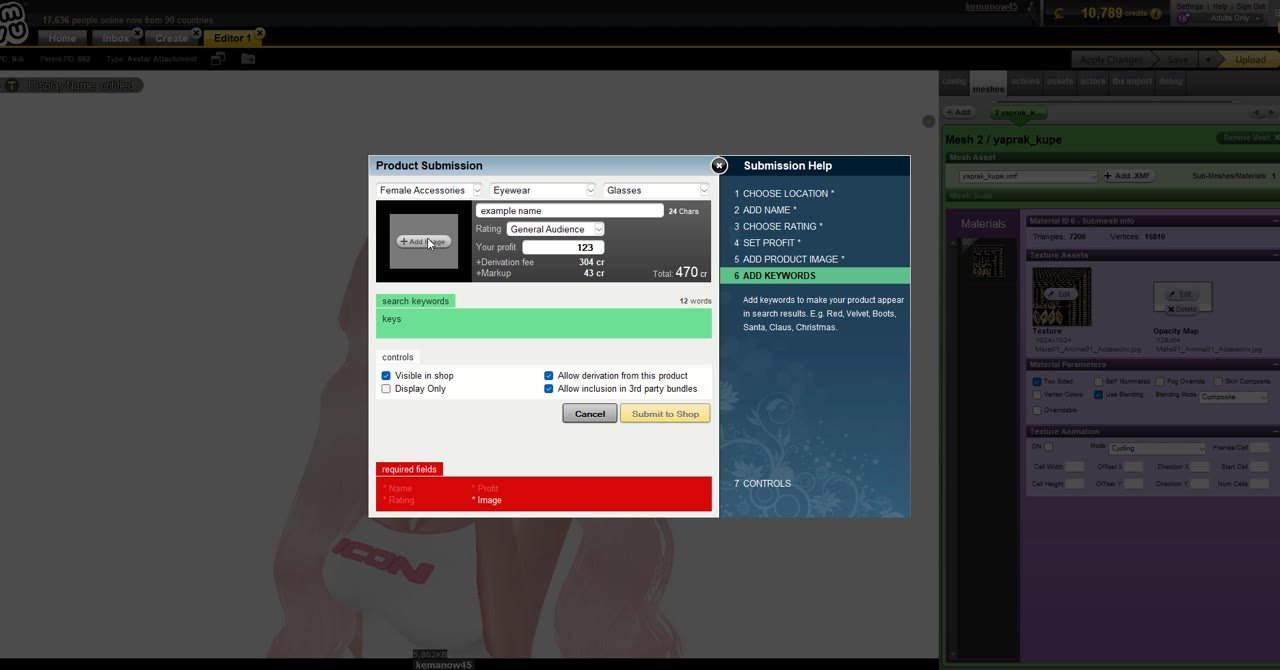
Set your profit. The derivation fee for 682 is shown under it (304 cr in our video). Add a product image and keywords such as earrings, gold, leaf, drop, jewelry, then click Submit to Shop. Paste the credit line from LICENSE.txt into the description.
Earring model in the video: “Gold leaf Earring” by DineshThennarasan, licensed under CC BY 4.0, modified for IMVU.
Earlier: Lesson 1: Make IMVU glasses from product 682
🎓 Unlock all lessons
Creator Academy opens every video lesson, a new lesson each month and the lesson chat in Discord.
- ✅ Lesson 1: Glasses from product 682 (free)
- 🔒 Lesson 2: Handbag from product 56816049 (Academy)
- ✅ Lesson 3: Derive & Earn (free)
- ✅ Lesson 4: Earrings from product 682 (free)